Which pages does your business website need?

Plan pages around your main offers, the proof customers need and the actions they must take. Give distinct services their own explanation, combine overlapping content and keep useful support routes. Count reusable layouts separately from pages; the right total follows the website's job.
Our website planning separates the work a business wants to attract from the help existing customers still need. That distinction can remove an unwanted sales page without removing aftercare.
Start with the work you want the website to bring in
For an established service business, start with a homepage, clear service information, relevant project proof, company information and a way to make contact. Decide which need separate pages once you know what customers must understand.
Recruitment, location information or a resource library can also belong in the plan. Add them for a real audience need, with their content and upkeep accounted for.
A list of everything the company can do is a poor starting point. Some capabilities are central to the next stage of the business. Others are small parts of a larger service, work you mainly do for existing customers, or jobs you would rather stop attracting.
Put those distinctions in your website brief. They give the designer a reason to recommend the page structure, rather than fill a package with five or ten familiar page names.
There is no universal page total to aim for. A useful plan accounts for the buying questions, proof and support needs of the people who will use the site.
Count pages, reusable layouts and content entries separately
Before comparing page counts, check what each number describes.
A page is a separate address someone can visit. Your About page and each individual project page count towards the public page total.
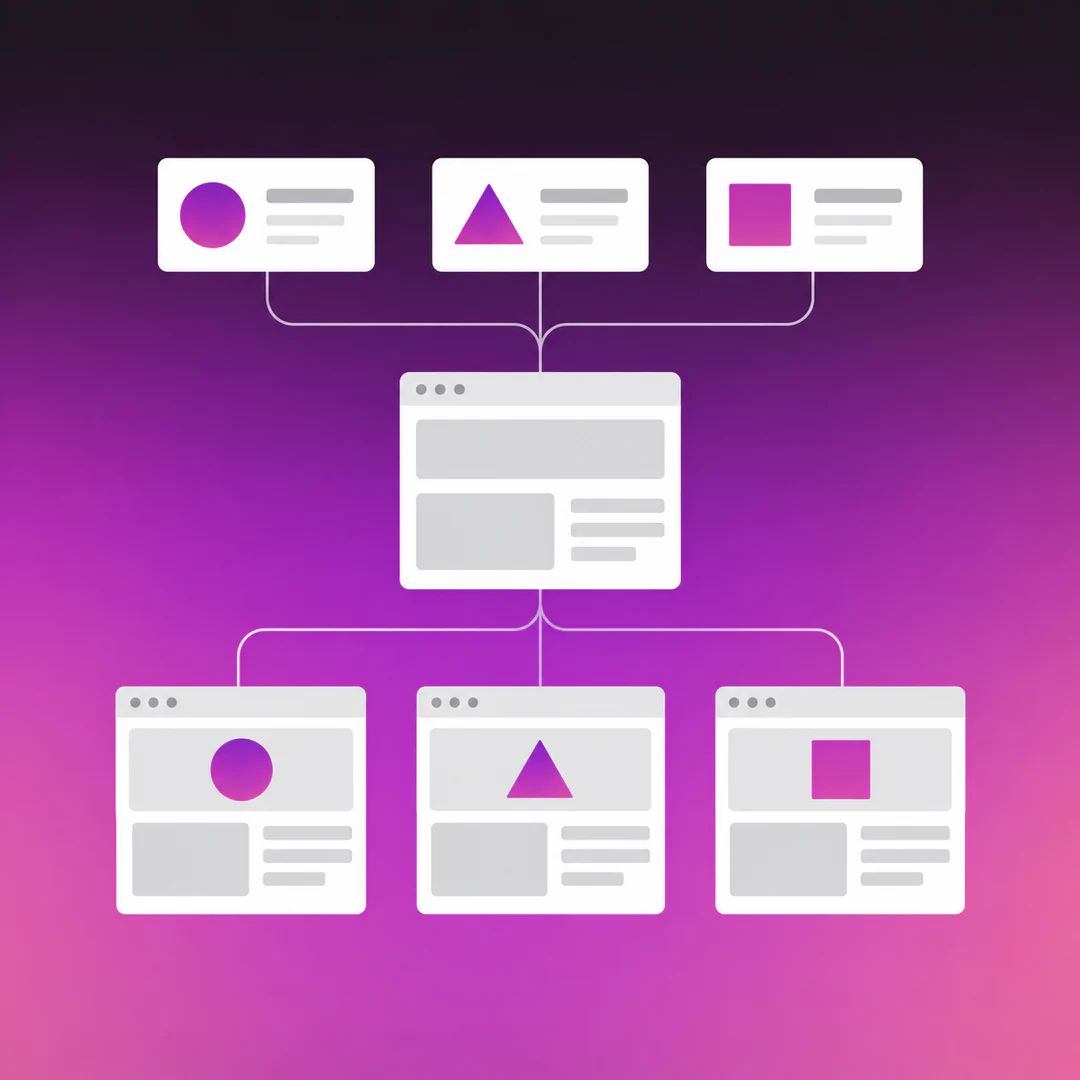
A reusable layout is the design shared by several pages. Two service pages can use the same layout while explaining different work. They still need their own accurate copy, relevant evidence and review.
A content entry is a record in the website's content management system, such as a project with its title, photographs and description. Publishing three project entries can produce three project pages using one shared layout.
Those are overlapping counts. The three project pages are already in the page total; you do not add the entries again. Other pages can also be stored in the CMS, so a project-entry count is not the total number of records behind the site.
Ask the provider to show both the planned pages and the reusable layouts. That makes it easier to understand what is being designed, what content needs producing and how the site can grow.
Decide what deserves its own page
Separate a service when customers need a materially different explanation to assess it. Check whether you can name:
- A distinct customer need or buying situation.
- Details that genuinely change, such as scope, responsibilities or how the work is delivered.
- Relevant evidence and a useful next step for that offer.
Planned property maintenance and an end-of-lease refurbishment can justify separate pages. One concerns an ongoing arrangement; the other concerns a defined project. The scope, examples and questions before contact differ, even if the same company delivers both.
By contrast, scheduled inspections might belong within the maintenance page when they are simply part of that arrangement. Splitting them out would make the customer assemble the service from several places.
Apply the same judgement to location and industry pages. Add one when it has useful information for that place or customer group. Changing a suburb name while repeating the same offer is a weak reason for another page.
Google's SEO Starter Guide recommends logical organisation and useful, original content. A page-count target cannot substitute for that work.
Keep support available without advertising work you do not want
A business can provide repairs for existing customers without wanting to sell a general repairs service.
In that situation, give current customers a clear aftercare route. Explain who it is for and how to request help. Avoid presenting it as an open invitation for every repair enquiry if the business would turn those jobs away.
That route may be a short section on Contact. A separate support page is useful when the instructions need their own home.
This is a different decision from deleting all mention of repairs. The support still matters; its role in the website has changed.
Before adding any service page, ask whether you would welcome the enquiries it invites. If the answer is no, decide where the genuinely useful information should live instead.
Example page plan: a commercial maintenance company
This fictional company wants recurring commercial maintenance and end-of-lease refurbishment projects. It has three documented projects ready to publish and still needs to support existing customers.
The plan separates those jobs while reusing layouts where the content allows it.
| Planned page | Public pages | Reusable layout | Job and route |
|---|---|---|---|
| Home | 1 | Home | Introduce the two main offers and relevant proof; reached through the logo and main site links. |
| Planned maintenance | 1 | Service | Explain the ongoing arrangement and show suitable work; found in the Services menu. |
| End-of-lease refurbishment | 1 | Service | Explain the project scope and show relevant examples; found in the Services menu. |
| About | 1 | Information | Help prospective customers assess the people and experience; main navigation. |
| Projects index | 1 | Project index | Help customers choose relevant work to inspect; main navigation. |
| Three individual projects | 3 | Project detail | Show each job's context, scope and approved photographs; linked from the index and relevant service. |
| Existing-customer support | 0 extra | Within Contact | Retain aftercare instructions as a Contact section; link to it from the footer and relevant service. |
| Contact | 1 | Contact | Help a prospective customer describe the work and enquire; main navigation and service-page links. |
| Privacy policy | 1 | Information | Provide the applicable privacy information; footer and relevant form context. |
| Scheduled inspections | 0 extra | Within Service | Combine with planned maintenance because it is part of that offer. |
| General repairs service | 0 | None | Omit the public sales page; retain existing-customer aftercare within Contact. |
That is 10 public pages, six reusable layouts and three project entries. The project entries account for three of those ten pages. Aftercare remains available without adding a dedicated repair or support page.
The Services menu groups the two offers without requiring an extra overview page. Add an overview if customers need help choosing between offers; otherwise, the menu can link directly to them.
The two service pages need different substance despite sharing a design. Maintenance needs to explain the recurring relationship and responsibilities. Refurbishment needs to explain the defined work and how the company assesses a project. Their linked examples should support those differences.
Before this plan goes to design, someone must confirm the service facts, project material and permissions. The designer should also check that the proposed shared layouts suit the actual content. If a project lacks usable photographs or permission, flag that before agreeing which entries will launch.
Give each page a route in and a useful next step
Every page needs a way to be found, but not every page belongs in the main menu.
Use the main navigation for the site's principal offers and destinations. Place supporting detail where someone needs it: project links within a service, aftercare beside contact information, and policies in the footer or form context.
A property manager might arrive directly on Planned maintenance from search or an advertisement. That page should explain the arrangement, show relevant work and lead to an enquiry without requiring a visit to the homepage first.
An existing customer looking for help has a different task. Make that route easy to recognise instead of sending them through a new-project sales form. Our guide to serving different customer groups on one website develops that distinction further.
Check each proposed page against its intended visitor: what do they need here, what evidence helps them judge it, and where should they go next?
Review the page plan before design begins
A useful page plan records the intended visitor, the page's answer, available proof, navigation and next action. Mark whether each item needs a separate page, belongs within another, stays as support or is left out.
For an existing site, check what current pages still do before combining or removing them. Useful information, existing links and customer routes need a deliberate destination. Our website rebuild checklist covers that preservation work.
Ask your provider to walk through the plan with you, including:
- Which pages need a distinct design and which can share one.
- Who supplies and checks the facts, proof and permissions.
- Which content entries are included at launch, and who adds later ones.
- What remains unresolved and whether it changes the agreed work.
With SOL, we work through the pages, content and functionality as part of the website research and build. We write the agreed website pages from your information and source material. Editing capability, extra content and ongoing marketing stay within the scope you select.
You can bring a rough list. We can help turn it into a plan that reflects the work you want and the people who need to use the site.

SOL STUDIOS is Australia's leading design and digital systems studio for established businesses.
Contact Us

