Do you own your website? Code, files and control explained

Paying for a website does not settle ownership by itself. Your agreement determines which rights transfer, when they transfer and which files you receive. You can own the finished work without receiving every source file or being able to move it unchanged. Before signing, ask what you can keep, edit and hand to another provider.
That question gets you further than “Will I own it?” A provider can give you ownership of the finished work while retaining reusable code, supplying only the files agreed in the proposal or building on a platform that cannot move to another host unchanged.
You need to know what you can keep, what you can change and what happens if the relationship ends.
What our agency research found
During SOL STUDIOS' July and August 2026 mystery-shopping study, nine of the fourteen businesses reached a written ownership or terms stage. The documents differed on deployed websites, source files, reusable materials and transfer conditions. These were pre-signature terms, not evidence of how a provider handled a completed client's exit.
Ven Agency's general terms distinguished the paid, deployed website from development source code, design files and repositories. Those source materials needed to be expressly included in the proposal or statement of work. The same distinction remains in its public terms, checked in October 2026.
If you want another developer to continue working from the original development files, that inclusion needs to be resolved in the scope. Permission to host the finished site does not answer what files they will receive to maintain it.
Universal Favourite's standard terms supplied in the same study separated copyright transfer from source-file supply too. Source files needed to be requested at the start of the project so they could be allowed for; later preparation was chargeable.
For a buyer who needs editable design files, the timing matters. Agreeing on them before production gives both parties a clear deliverable. Assuming they will arrive after the final invoice leaves a separate conversation, and potentially a separate cost.
Neither example establishes that the agency would prevent a client leaving. They show why the asset list and handover conditions deserve the same attention as the design scope.
Separate the five things you are asking about
Ask the provider to name what will be supplied and what rights come with it. This is a practical way to compare proposals, rather than a legal definition of every part of a website.
| Part of the website | What it means in practice | What to check | What to ask before signing |
|---|---|---|---|
| Your existing materials | The copy, brand assets, photography and other material you bring to the project | Keep your originals and the permissions or licences that apply to them | Do I retain my material, and how will copies be returned or removed when the work ends? |
| New project work | The agreed design, copy and custom development created for you | Identify the final deliverables and any approval or payment conditions | Which work becomes mine, and when do those rights transfer? |
| The deployed website | The working version visitors see and use | Establish how it will keep running if you change provider | Can a replacement provider host and operate this version, and what would need to change? |
| Source and editable files | The development project, design files and other working files used to create the finished site | Confirm the included files, access level and usable handover format | Will I receive these files, and can my next designer or developer use them? |
| Reusable provider materials | The provider's existing frameworks, code libraries and generic components used in the work | Check your continuing rights to use and modify what is embedded in the site | What does the provider retain, and what licence lets the website keep operating? |
Accounts and third-party software run across this list. You can own the new design without owning the platform it runs on. You can have permission to use a component without owning its copyright. You can also own work but lack the account access needed to publish a change.
The agreement should distinguish those situations. IP Australia's ownership guidance recommends setting out ownership, permitted commercial use, modification and the timing of any transfer in a written contract before work starts. Paying a contractor is not a substitute for agreeing on those rights.
Source files and website access solve different problems
A content management system, or CMS, lets your team make the changes it has been set up to support. That might include editing a service page, adding an article or replacing an image. CMS access does not necessarily include the development project or the original design files.
Source code is the code a developer works on. It may be held in a repository, a stored project with its files and change history. Depending on the build, the files used to develop the site can differ from the version deployed for visitors.
For example, a site could let you edit its content while a new page layout still requires development work. That is a reasonable arrangement if it suits your team. It becomes a problem when you bought the site expecting to make that layout change yourself.
Ask to see the proposed editing setup and name the changes you expect to make. Then ask separately what a replacement developer would need to maintain the site, who can grant that access and whether the required files are included.
The same applies to design files. A finished page or image gives you the result. An editable design file gives a designer the material to work from, subject to the relevant rights and licences. If you expect to commission future campaigns or page designs from the same material, include that requirement before the quote is accepted.
You do not need unlimited access to every tool your provider uses. You need enough control and usable material for the work your business expects to do.
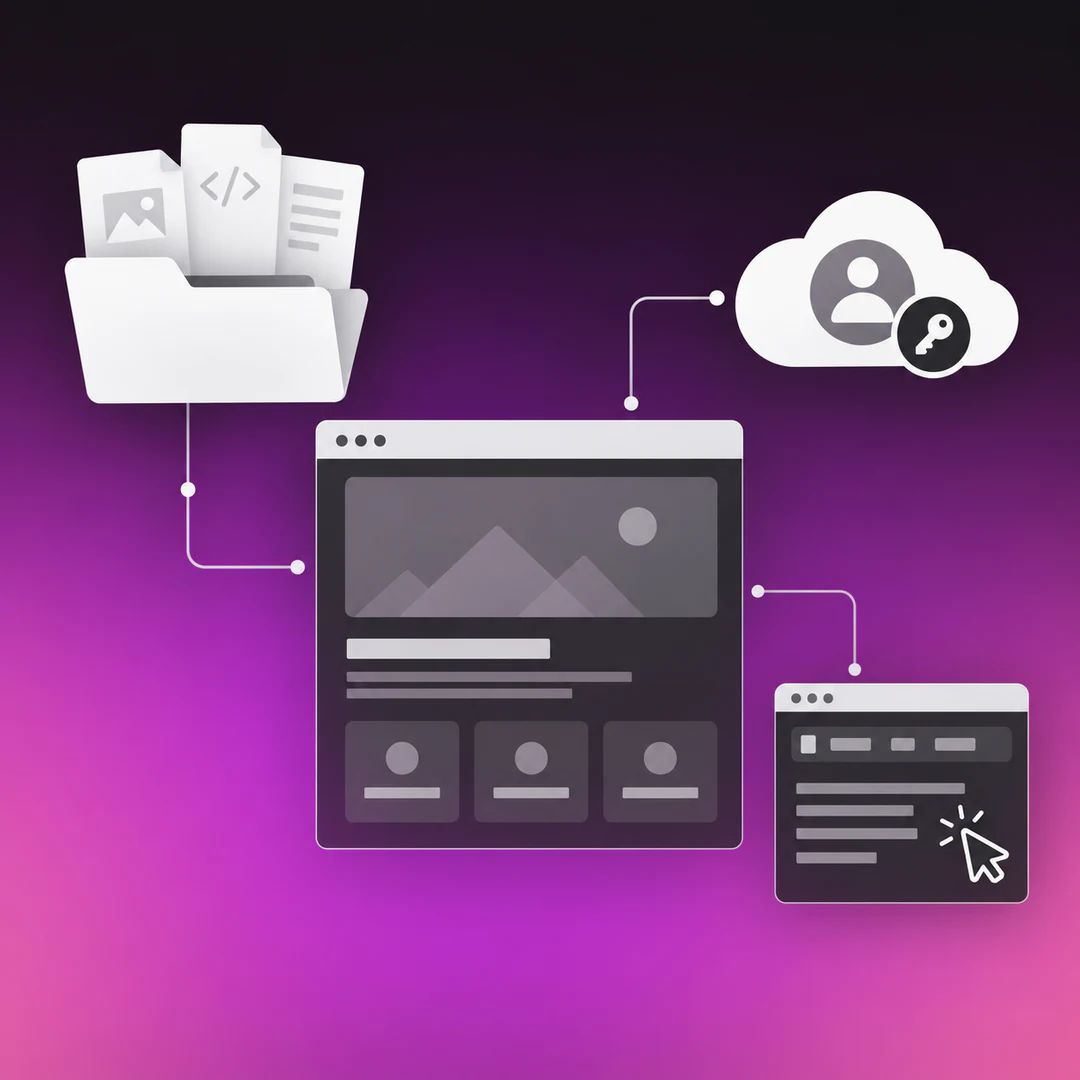
Check the accounts behind the website
Make a short account list with the provider. Record who controls each account, who pays for it and what transfers if the work ends.
- Confirm the domain registrant and the contact details used for renewal and recovery. For a
.audomain, check the eligible person or business holding the licence, not only who can log in to the account. - Identify the hosting or website-platform account and the arrangement for moving it, changing its billing or exporting the site.
- Confirm the CMS access your team will receive and the changes that access allows.
- Identify the repository and design-file location where those are included in the scope.
- Keep business-controlled access to relevant analytics and search accounts, and record how the provider's access will be removed.
- Find out where form submissions and other business data are stored, and how the relevant data can be exported or transferred.
For .au domains, moving to another domain provider and changing the licence holder are different processes. auDA explains both in its domain-transfer guidance. The first can change who manages the domain; it does not, by itself, replace the registered business or person holding the licence.
Use your own named access where the platform supports it. If the provider manages the website inside a shared environment, ask what client access and exit route are available. Managing several sites from one environment is not evidence that your website belongs to the provider. It does make the transfer arrangements worth spelling out.
Can you move the website, or just its content?
Owning content and being able to run the same website elsewhere are separate questions. The answer depends on the platform and the services used in your particular build.
Wix explains that a Wix site relies on its technology and must run on Wix's servers. Even where you own the content, that does not give you a Wix website that can simply be hosted elsewhere.
Lovable's documentation describes a different arrangement: code can be exported or synced to a repository and deployed to compatible hosting. It also separates that code from database contents, uploaded files and services that need their own migration or replacement.
These are specific product examples, not a rule that all website builders or AI-built sites work the same way. Check the product and the actual build being proposed.
Ask your provider what would be involved in three different changes:
- A new person maintaining the website on its existing platform.
- The same website moving to a different host, where the platform supports that.
- The business replacing the platform altogether.
Those changes can require very different amounts of work. A new designer taking over an existing platform account may be straightforward. Replacing the platform can involve rebuilding pages and moving content or data, even when the rights are clear.
If you mainly need a simple online presence and are comfortable staying on the selected platform, that trade-off may be acceptable. If the site supports important enquiries, customer accounts or business operations, ask a prospective replacement provider to assess the migration requirements before you rely on a general export promise.
The custom website vs template vs AI builder guide covers the wider choice. Here, the useful question is what can move from the specific website you are considering, and what would have to be rebuilt or replaced.
What transfers after payment, and what stays licensed?
An ownership clause can transfer the work created for your project while the provider retains materials it already had. Third-party fonts, photography, plugins and software can carry their own licences too.
Check which rights continue after the provider's service ends. If another developer takes over, do they have permission to maintain and modify the parts used in your site? Which subscriptions or licences must remain active? Who is responsible for renewing them?
A licence can give your business the rights it needs without transferring ownership of the underlying product. Its usefulness depends on what it permits. Ask about operation, modification and successor-provider use, rather than rejecting every arrangement containing the word “licence”.
Payment conditions need the same care. An agreement may transfer agreed rights after final payment. Another may transfer individual deliverables as the amounts attributable to them are paid. Confirm the actual rule, including the treatment of a project that stops before completion.
Paying in instalments does not, on its own, tell you whether you are buying or renting the website. A monthly invoice could cover a build payment, hosting, maintenance or several of those. Read what the payment purchases and what remains available after that payment arrangement ends.
If the proposal and agreement seem to promise different things, ask the provider to reconcile them before signing. For an unclear or disputed legal position, have an Australian lawyer review the applicable documents.
How SOL STUDIOS handles ownership and handover
With SOL, you retain your supplied materials, business data and client-owned accounts. Approved work created specifically for your project transfers to you once the amount attributable to that deliverable is paid in full.
We retain our reusable frameworks, methods and generic components. After the relevant payment, the embedded materials carry a permanent licence to operate, maintain and modify the finished work. That licence also allows a genuine replacement developer or provider to do that work for you. Third-party materials remain subject to their own licences.
The accepted scope states which source repositories, editable files and CMS access are supplied, and who is responsible for hosting and managing the site. These are agreed inclusions, rather than promises inferred from the word “website”. A client-managed handover and a website we continue to manage need different access arrangements.
Standard exit includes the applicable transfer of client-owned accounts, access and data, such as handing over account administration or providing the agreed data export. A substantial migration, or extended work with the incoming provider, may need separate written scope. Client-owned accounts and data are not withheld because of an unrelated unpaid invoice; unpaid SOL-created deliverables retain their applicable payment conditions.
Your accepted proposal and applicable agreement determine the terms of your engagement. These points explain our approach, not a replacement set of contract terms.
Before you sign, get a usable handover answer
Give the provider a real future situation: your business wants another developer to maintain the site without starting again. Ask them to explain what that developer receives, what they are permitted to do and what costs or conditions apply.
You should be able to identify:
- The final work you are buying and when its rights transfer.
- The source or editable files included, along with anything excluded.
- The accounts and access your business keeps or receives.
- The licences and subscriptions needed to continue using the site.
- The notice, transfer work and charges that apply if you leave.
If a source-file inclusion or licence is important to your decision, put it in the accepted scope. A friendly assurance during a call is useful, but the next developer needs something more precise to work from.
The questions to ask a web developer guide helps with the broader proposal conversation. Use this ownership check to close the file, access and exit questions within it.
If you are changing providers now
Start with the agreement you actually accepted. Collect the proposal, scope, relevant terms, invoices and any later written changes. Ask the current and incoming providers to agree on the following sequence for your site.
- Establish the rights and handover scope. Identify the paid work, included files, retained materials, licences, notice requirements and unresolved items. Resolve any disputed rights before using material outside the agreed permissions.
- Confirm what the incoming provider can take over. Have them check the platform, included files, account access, data and services the website relies on. Agree whether this is maintenance, a hosting move or a rebuild before setting an exit date.
- Arrange the transfer and any agreed charges. Record who supplies each item, who authorises account changes, what payments are attributable to the work and when the current service ends.
- Protect the live site while the handover happens. Where there is a migration, agree on backups, testing and a way to restore service if the move fails. Keep hosting and necessary services active until the replacement is ready.
- Test the business functions, not only the homepage. Check forms, relevant data, tracking and any booking or payment paths your site uses. Confirm that domain or hosting changes have not disrupted business email.
- Close access and responsibility deliberately. Once the handover is working, remove access that is no longer needed, update billing and recovery contacts, and record who now maintains the website.
This is a planning sequence, not a promise that every site can be transferred unchanged. The incoming provider needs to inspect the actual build. The website maintenance cost guide covers the continuing work and cost after the handover.
Frequently asked questions
-
Check the agreement for the specific work and rights that transfer. Payment may trigger ownership of the agreed final deliverables without including every source file, reusable component or third-party product. Ask for the asset list and handover conditions, then confirm that they match what you expect to keep and do.
-
-
-
Discuss your website with SOL STUDIOS
If you are commissioning a website, tell us what your team needs to edit, manage and keep over time. We can account for those requirements in the design, development and handover scope before you commit.
Our web development page explains the wider project.
For the wider selection process, return to how to choose a web designer.

SOL STUDIOS is Australia's leading design and digital systems studio for established businesses.
Contact Us

